

Online courses directory (19947)
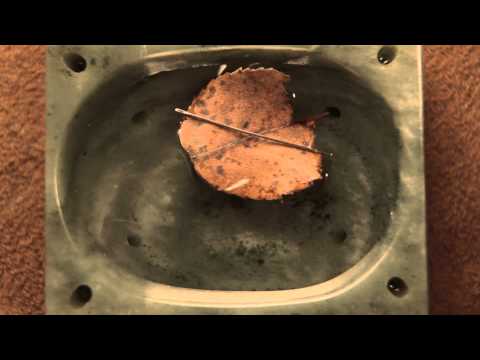
Reenact the discovery of electromagnetism. The Magic of Discovery. Discovery of Magnetism. Discovery of Magnetic Fields. Electromagnet.

1. Bit-zee. 2. Bit-zee (long version). 3. Bit-zee Bot Introduction. 4. Bit-zee planning and propulsion. 5. Bit-zee's bits. 6. Bit-zee's chassis/frame. 7. Bit-zee's wheel mounts and fenders. 8. Bit-zee's component mounting holes. 9. Bit-zee's batteries. 10. Improving the battery wires. 11. Connecting Bit-zee's power wires and on-off switch. 12. Bit-zee's motors. 13. Why does Bit-zee need a motor controller?. 14. Bit-zee's motor controller. 15. Attaching and wiring Bit-zee's motor controller. 16. Attaching Bit-zee's Arduino. 17. How to hotwire a digital camera. 18. Attaching Bit-zee's digital camera. 19. Bit zee's 5 Volt power distribution board. 20. Hacking and attaching a digital recorder/player to Bit-zee. 21. Making a power connector for the Arduino. 22. Attaching Bit-zee's prototype board. 23. Connecting the motor controller to the Arduino. 24. Connecting Bit-zee's camera to the Arduino. 25. Bit-zee's bumper switches. 26. Bit-zee's eyes. 27. Bit-zee's IR sensor. 28. Bit-zee's shell. 29. Camera wiring update.
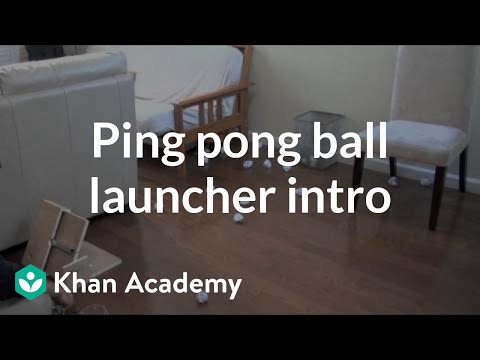
This topic focuses on how to design and create products that solve real problems and bring academic content to life. Ping pong ball launcher introduction. Build a ping pong ball launcher . Update and modify your ping pong ball launcher.

This topic focuses on how to design and create products that solve real problems and bring academic content to life. Ping pong ball launcher introduction. Build a ping pong ball launcher . Update and modify your ping pong ball launcher.
Ping pong ball launcher introduction. Build a ping pong ball launcher . Update and modify your ping pong ball launcher. Ping pong ball launcher introduction. Build a ping pong ball launcher . Update and modify your ping pong ball launcher.
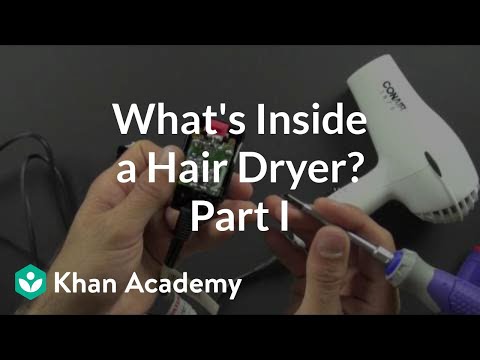
Videos exploring the way things work. These videos have recently been updated to include 1080p HD versions. What is inside an alarm clock radio?. What is inside a hair dryer? (1 of 2). What is inside a hair dryer? (2 of 2). What is inside a digital camera? (1 of 2). What is inside a digital camera? (2 of 2). What is inside a coffee maker?. What is inside a DVD player? (1 of 5). What is inside a DVD player? (2 of 5). What is inside a DVD player? (3 of 5). What is inside a DVD player? (4 of 5). What is inside a DVD player? (5 of 5). What is inside a universal remote control?. What is inside a tap light?.

Videos exploring the way things work. What is inside an alarm clock radio?. What is inside a coffee maker?. What is inside a tap light?. What is inside a hair dryer? (1 of 2). What is inside a hair dryer? (2 of 2). Compare the hair dryer motor to the one you can build. What is inside a DVD player? (1 of 5). What is inside a DVD player? (2 of 5). What is inside a DVD player? (3 of 5). What is inside a DVD player? (4 of 5). What is inside a DVD player? (5 of 5). What is inside a universal remote control?. What is inside a digital camera? (1 of 2). What is inside a digital camera? (2 of 2). What is inside an alarm clock radio?. What is inside a coffee maker?. What is inside a tap light?. What is inside a hair dryer? (1 of 2). What is inside a hair dryer? (2 of 2). Compare the hair dryer motor to the one you can build. What is inside a DVD player? (1 of 5). What is inside a DVD player? (2 of 5). What is inside a DVD player? (3 of 5). What is inside a DVD player? (4 of 5). What is inside a DVD player? (5 of 5). What is inside a universal remote control?. What is inside a digital camera? (1 of 2). What is inside a digital camera? (2 of 2).

Start your own robotics project with Spout, Spider, and Bit-zee!. 3rd graders build robots at Santa Rita Elementary School. See inside Spout's motors and switches. Spout 1. Spout 2. Spout 3. Spout 4. Spout 5. Spout 6. Spout 7. Spout 8. Spout 9. Spout 10. Spout 11. 6th graders learn to build a Spider robot. Parts list for Spider. 1 Spider parts and tools. 2 Hacking Spider's click n' stick. 3 Creating the battery and motor mounts for Spider. 4 Attach Spider's click n' stick base to the batteries and thread his wires. 5 Attach Spider's motor controller and wire his motors. 6 Connect Spider's power switch and run the power wires to the motor controller. 7 Attach and adjust the Spider's bezel. 8 Attach Spider's wheels. 9 Make the connnectors for Spider's Arduino Nano. 10 Spider Connect the power and signal wires from the motor controller to the Arduino. 11 Attach Spider's LED eyes. 12 Connect Spider's stablizer bar. 13 Spider's Romance. 14 Teaching Spider to dance. 15 Ben Eater's Spider Bot. 1. Bit-zee. 2. Bit-zee (long version). 3. Bit-zee Bot Introduction. 4. Bit-zee planning and propulsion. 5. Bit-zee's bits. 6. Bit-zee's chassis/frame. 7. Bit-zee's wheel mounts and fenders. 8. Bit-zee's component mounting holes. 9. Bit-zee's batteries. 10. Improving the battery wires. 11. Connecting Bit-zee's power wires and on-off switch. 12. Bit-zee's motors. 13. Why does Bit-zee need a motor controller?. 14. Bit-zee's motor controller. 15. Attaching and wiring Bit-zee's motor controller. 16. Attaching Bit-zee's Arduino. 17. How to hotwire a digital camera. 18. Attaching Bit-zee's digital camera. 19. Bit zee's 5 Volt power distribution board. 20. Hacking and attaching a digital recorder/player to Bit-zee. 21. Making a power connector for the Arduino. 22. Attaching Bit-zee's prototype board. 23. Connecting the motor controller to the Arduino. 24. Connecting Bit-zee's camera to the Arduino. 25. Bit-zee's bumper switches. 26. Bit-zee's eyes. 27. Bit-zee's IR sensor. 28. Bit-zee's shell. 29. Camera wiring update. 30. Load the Code for It-zee and Bit-zee. 1 Spout Introduction. 2 Attach Spout's lever switches and motors. 3 Attach Spout's wires and connectors. 4 Attach Spout's sliding switches and resistors. 5 Connect Spout's antenna. 6 Attach Spout's LED eyes. See inside Spout's motors and switches. 3rd graders build robots at Santa Rita Elementary School. See inside Spout's motors and switches. Spout 1. Spout 2. Spout 3. Spout 4. Spout 5. Spout 6. Spout 7. Spout 8. Spout 9. Spout 10. Spout 11. 6th graders learn to build a Spider robot. Parts list for Spider. 1 Spider parts and tools. 2 Hacking Spider's click n' stick. 3 Creating the battery and motor mounts for Spider. 4 Attach Spider's click n' stick base to the batteries and thread his wires. 5 Attach Spider's motor controller and wire his motors. 6 Connect Spider's power switch and run the power wires to the motor controller. 7 Attach and adjust the Spider's bezel. 8 Attach Spider's wheels. 9 Make the connnectors for Spider's Arduino Nano. 10 Spider Connect the power and signal wires from the motor controller to the Arduino. 11 Attach Spider's LED eyes. 12 Connect Spider's stablizer bar. 13 Spider's Romance. 14 Teaching Spider to dance. 15 Ben Eater's Spider Bot. 1. Bit-zee. 2. Bit-zee (long version). 3. Bit-zee Bot Introduction. 4. Bit-zee planning and propulsion. 5. Bit-zee's bits. 6. Bit-zee's chassis/frame. 7. Bit-zee's wheel mounts and fenders. 8. Bit-zee's component mounting holes. 9. Bit-zee's batteries. 10. Improving the battery wires. 11. Connecting Bit-zee's power wires and on-off switch. 12. Bit-zee's motors. 13. Why does Bit-zee need a motor controller?. 14. Bit-zee's motor controller. 15. Attaching and wiring Bit-zee's motor controller. 16. Attaching Bit-zee's Arduino. 17. How to hotwire a digital camera. 18. Attaching Bit-zee's digital camera. 19. Bit zee's 5 Volt power distribution board. 20. Hacking and attaching a digital recorder/player to Bit-zee. 21. Making a power connector for the Arduino. 22. Attaching Bit-zee's prototype board. 23. Connecting the motor controller to the Arduino. 24. Connecting Bit-zee's camera to the Arduino. 25. Bit-zee's bumper switches. 26. Bit-zee's eyes. 27. Bit-zee's IR sensor. 28. Bit-zee's shell. 29. Camera wiring update. 30. Load the Code for It-zee and Bit-zee. 1 Spout Introduction. 2 Attach Spout's lever switches and motors. 3 Attach Spout's wires and connectors. 4 Attach Spout's sliding switches and resistors. 5 Connect Spout's antenna. 6 Attach Spout's LED eyes. See inside Spout's motors and switches.
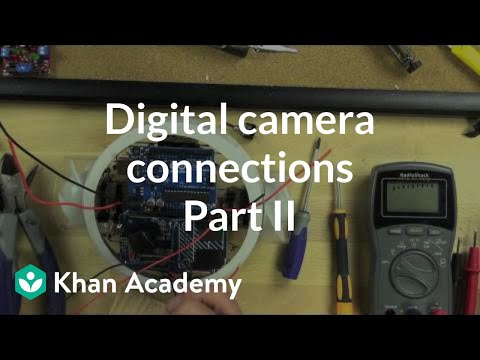
18. Attaching Bit-zee's digital camera.
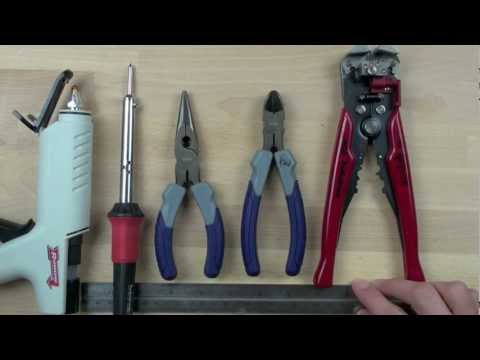
1 Spout Introduction. 2 Attach Spout's lever switches and motors. 3 Attach Spout's wires and connectors. 4 Attach Spout's sliding switches and resistors. 5 Connect Spout's antenna. 6 Attach Spout's LED eyes. 7 See inside Spout's motors and switches.
Thermo Can.
Thermo Can.
Thermo Can. Thermo Can.

¿Qué es envejecer? ¿Qué es más importante a la hora de envejecer, la herencia o el ambiente? ¿Podemos actuar sobre nuestro propio envejecimiento? ¿Qué tendríamos que hacer para envejecer bien?
Estas y otras muchas preguntas serán respondidas a los largo de este MOOC en el que se pretende transmitir conocimientos actualizados y científicos sobre cómo llegar a una longevidad positiva y saludable a la vez que se pretende motivar a los participantes en la puesta en práctica de una serie de comportamientos que conforman lo que llamamos estilos de vida activos y saludables. Así pues, esos conocimientos no serán suficientes para el cambio hacia un envejecimiento activo; ello dependerá de que cada uno de los participantes incorpore, como hábitos, esos comportamientos que sabemos influyen en un envejecimiento óptimo, lo cual requerirá de una actitud positiva y de la determinación, el querer realizar algunos cambios.
Partimos de la consideración de que el envejecimiento no tiene un claro inicio sino que “vivir es envejecer y envejecer es vivir” y consideramos que a todo lo largo de la vida hay crecimiento, estabilidad y declive. Desde luego, huimos de una visión simplista, exclusivamente positiva, del envejecimiento y dado que la edad está asociada a la enfermedad, la discapacidad y a otros problemas, tratamos de promover ciertas “soluciones” que llevan consigo lo siguiente: optimizar las capacidades físicas, mentales, afectivas y sociales; prevenir potenciales enfermedades y problemas y, en su caso, compensar o paliar existentes déficits.
Esas estrategias, soluciones comportamentales y estilos de vida protectores o combativos de factores de riesgo pertenecen a cuatro dominios esenciales: la mejora de la salud y la funcionalidad; promover el ejercicio físico y cognitivo regular; el mantenimiento y la optimización del afecto positivo y el control y, finalmente, la implicación familiar y social.
Este curso está dirigido a personas de cualquier edad que estén interesadas en envejecer bien. Va a requerir no solo el aprendizaje de conocimientos científicos sino una implicación personal de los participantes puesto que pretendemos, también, la introducción de cambios en la forma de percibir la vejez y en la incorporación de hábitos saludables que lleven consigo, a largo plazo, el desarrollo personal y la satisfacción con la vida.

Learn how to create pro level commercials & promos with audio. video, motion graphics & voicebunny.com pro voice-overs

Small Business - TV Interview Skills - Free Publicity - Crisis Management - Write Press Releases - Public Relations - PR

Discover the vast audience of Podcasts and Internet Radio and promote your book, your blog, your website and yourself.

Acerca de este curso
Si usted está interesado en aprender a hacer e interpretar pronósticos de ventas sin profundizar en las matemáticas, ¡este curso es para usted!
Podrá desarrollar la habilidad para entender en qué situaciones debe utilizar y aplicar los tipos de pronósticos basados en modelos existentes, vistos de una forma matemática muy práctica.
Comprenderá cuándo un pronóstico es bueno y cuándo no lo es.
Podrá presentar informes exitosos que le permitan tomar decisiones anticipadas y "acordes a la realidad de su negocio."

Proofreading is not the same as copy editing. Learn to produce error-free documents.

Learn the science of running biomechanics and exercises, drills and mental cues to improve your form
Add to calendar

Trusted paper writing service WriteMyPaper.Today will write the papers of any difficulty.